WordPress as a learning platform
Adapted, affordable and scalable. WordPress is open source and powers 43% of the world's websites — a proven foundation, and skills you can recruit from more than just us. Our plugins make it a full learning platform, not a second choice.
Why WordPress
Three reasons that hold over time
01
Tailored, not compromised
With WordPress as the foundation we can adapt interface, content and features to your organisation. We start from your requirements and assess which adaptations are reasonable to build and maintain.
02
No per-user licence fee
Our WordPress solution has no per-user licence fee. Hosting, storage, traffic and maintenance can however affect cost as usage grows. We go through the conditions with you before launch.
03
Scales with the organisation
New audiences, more courses and more users place different demands. We can develop a WordPress solution step by step and adapt hosting and capacity to the load. The choice of solution also needs to work for your long-term maintenance.
Course production & design
WordPress as an authoring tool – with full design freedom
With WordPress we can create learning experiences with the same care for form, feel and interaction as in premium web design. Your graphic profile can permeate the entire experience: typography, imagery, layout, navigation and the details in every moment.
Standard authoring tools often give a quick start, but when requirements for design and function grow, templates and ready-made blocks can set the limit. WordPress is a strong alternative when you want to shape learning more freely and let the training become a natural part of your brand.
We have long and deep experience of WordPress as both an authoring tool and a learning platform. We combine pedagogy, design and development to build training that is thoroughly crafted for the participant and smooth to edit.
Behind the tailored experience we create a clear structure where you yourselves can continue working with the content.

Pedagogy & design
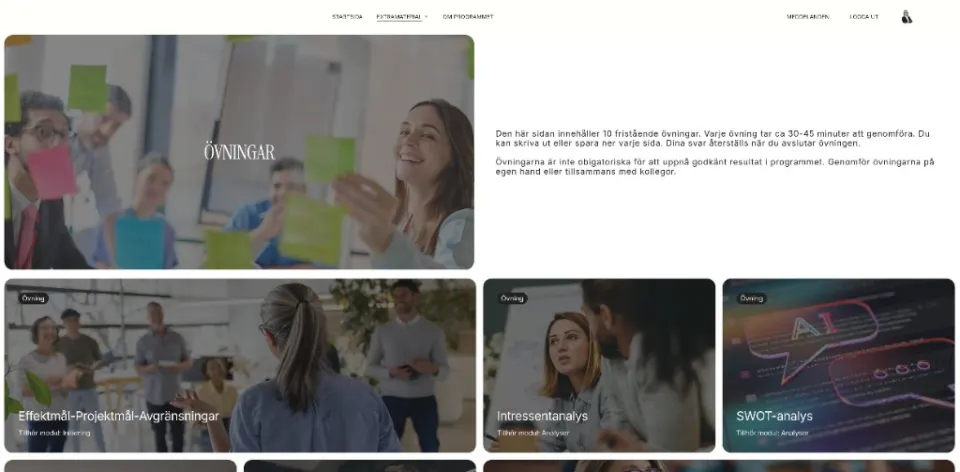
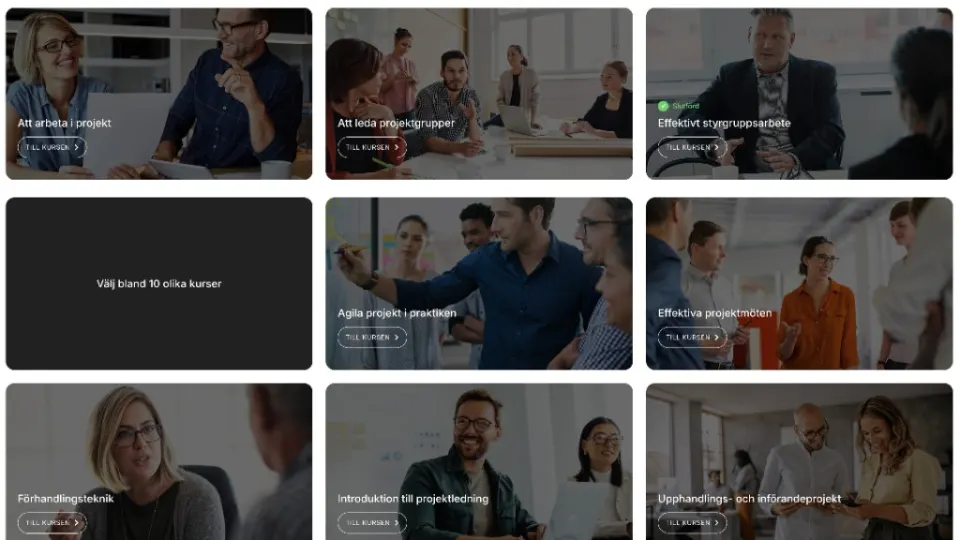
How learning can look in WordPress
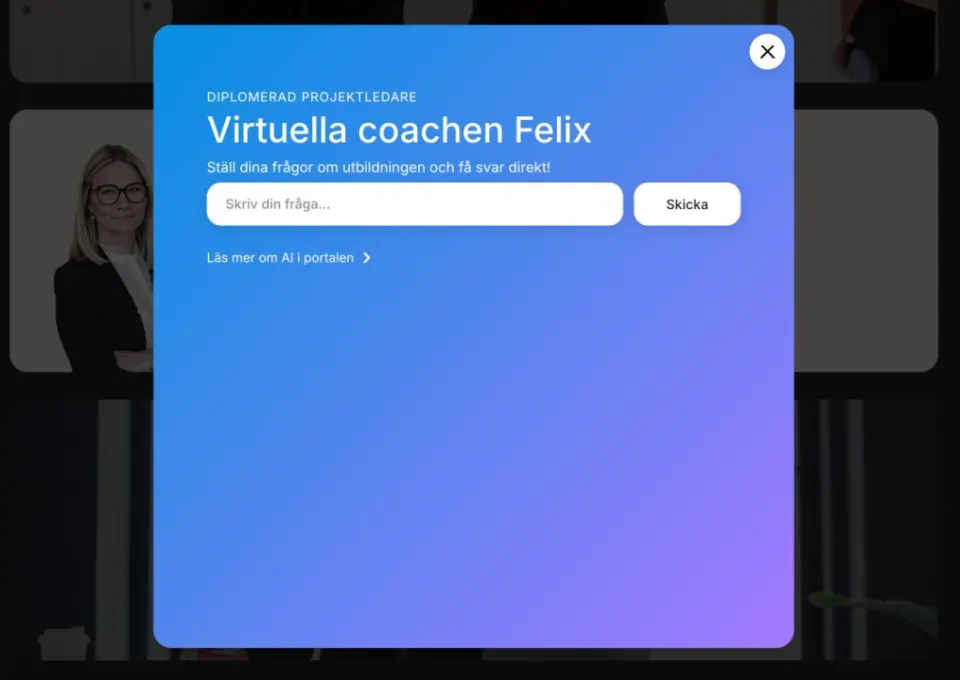
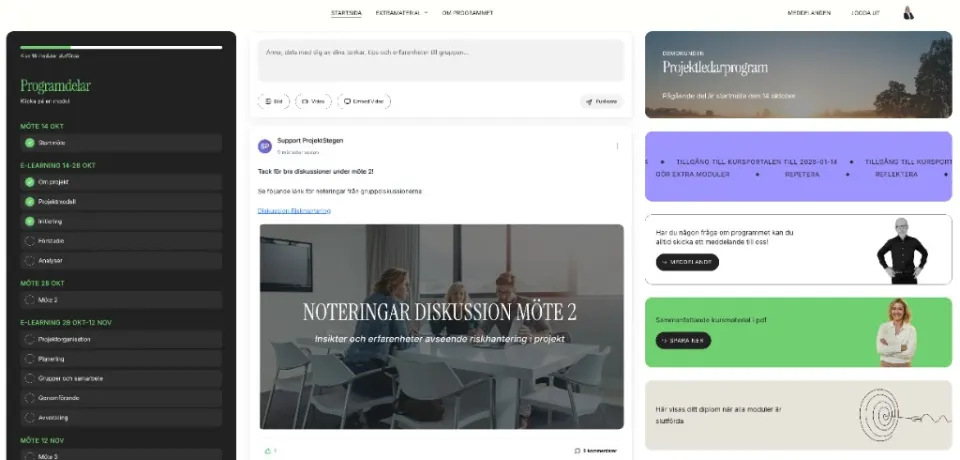
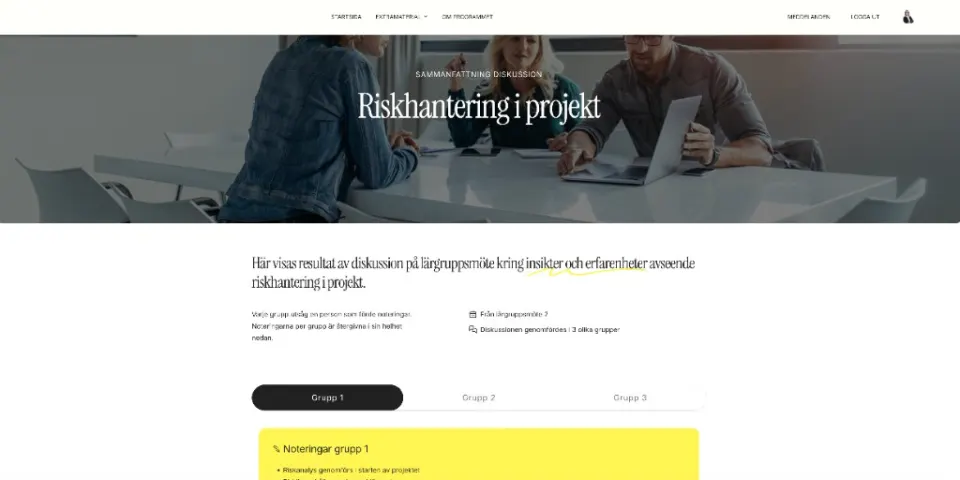
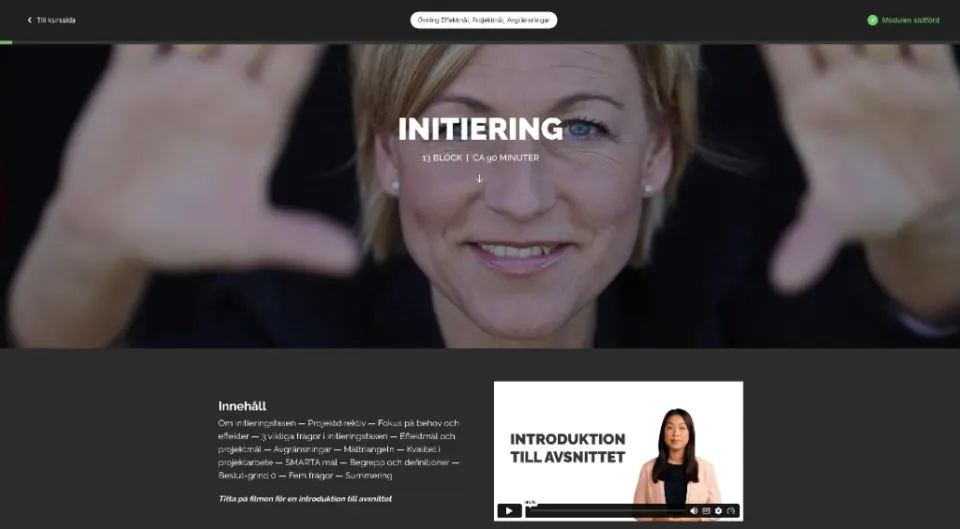
Build further
We also adapt common LMS plugins
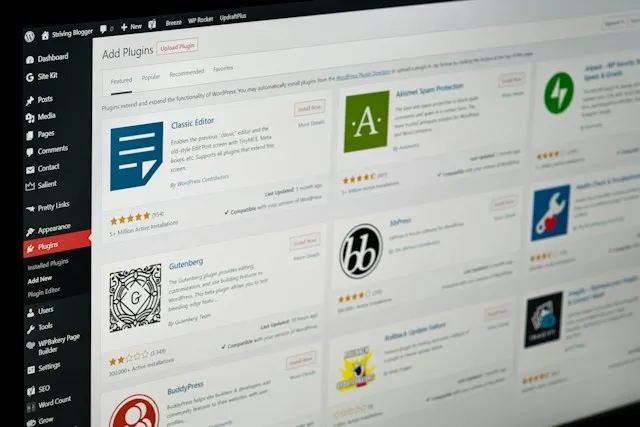
WordPress has several established LMS plugins, for example LearnDash and LifterLMS. They offer a ready foundation for the learning platform that can be built on with custom design, features and integrations.
We help you adapt an existing solution to your graphic profile, your training and the organisation's workflows. That can involve participant views, registration, automations or connections to other systems. We examine what your current LMS supports and where custom additions are needed, so you can develop the platform further.
WordPress for learning
WordPress at the core and our own plugins and solutions on top
We have built our own set of plugins and integrations that make WordPress a flexible platform for digital learning. Everything is developed based on our own needs and experience. Used correctly, WordPress is a fantastic platform for digital training.
Care of Skills plugins for WordPress
LMS
Our own LMS engine for course structure, progression and completion, with support for among other things xAPI and LRS.
Quiz
Flexible knowledge checks with different question types, randomisation, feedback and validation of knowledge.
Voice
AI-based conversations and voice interaction that let the participant practise, reason and get feedback directly in the training.
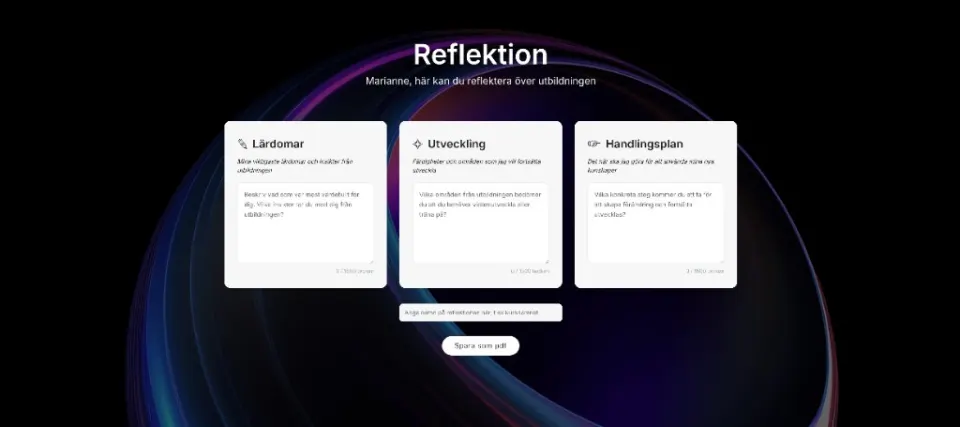
Reflection
Interactive reflection exercises where the participant can document thoughts and insights during the training.
Reviews
Course evaluations and feedback with support for xAPI/LRS — to follow up and develop the training over time.
Diploma
Automatic diplomas in premium design when the participant has completed the training.
Users
Manages users, permissions and access to different training programmes and course portals.
Avatar
Personal profile pictures and avatars that create a more personal experience for the participant.
Integration & development
ACF PRO – a foundation for far-reaching customisation
Advanced Custom Fields PRO (ACF PRO) is a third-party plugin developed and maintained by the team behind ACF at WP Engine. We use it as a foundation in our WordPress solutions, together with our own plugins and customisations.
Forms, personalisation and a simpler CRM
With ACF PRO we structure content and data according to the organisation's needs. Together with custom development it opens for adapted forms, personal course views, reporting and administrative workflows. We can also build a simpler CRM for contacts, organisations, notes and follow-up. For organisations with defined needs those features can be fully sufficient as an alternative to a more advanced CRM system.
Automations that simplify administration
We can also automate recurring tasks. When a participant completes a course the solution can for example create a personal diploma and automatically email it to the participant. Other flows can handle reminders, assign the next training or update records in your CRM.
ACF PRO provides the structure for content and data. Our plugins, integrations and customisations add the features and automations. That gives great opportunities to develop the solution with your needs, while keeping administration simple.
Before your platform choice
Common questions about WordPress as a learning platform
Can we extend the learning platform with more features?
Yes. WordPress has an extensive ecosystem of plugins for example for forms, membership, e-commerce and multilingual support. That gives great opportunities to complement the learning platform when new needs arise. We choose and adapt add-ons based on how they work together, how they are maintained and what value they give you. When needed we develop our own features.
How does the cost compare with other learning platforms?
WordPress is open source and our own LMS solution for WordPress has no per-user licence fee. Other LMS plugins have their own licence terms. The cost consists of development, any plugin licences, hosting and maintenance. That can be attractive when many people need access to the training. The total economy depends on your customisation needs, integrations and the load on the platform.
What control do we get over content and participant data?
With your own WordPress installation you can choose the hosting environment and control how content and participant data are stored, used and made available. You also get the ability to plan for export and future migration. That gives room to manoeuvre in data-protection work. GDPR still needs to be handled through the right permissions, retention, agreements and control over which data connected services get access to. The same goes for AI features in the course: the language model that gives feedback can run in the hosting environment you have chosen, in Sweden or within the EU.
Can WordPress be connected to our internal and external systems?
Yes. Through APIs, ready-made integrations and custom development, WordPress can be connected to for example HR systems, CRM, login services and external training tools. That can involve transferring users, assigning training or sending results onwards. What is possible depends on the systems' interfaces and permissions; we start from the information flows you need.